

My son, Eli loves to build with LEGO’s and when I say love, I mean it! He can see something in a movie, a book, or in the environment and immediately think “I need to build or recreate that with LEGO’s. My husband and I often will be sitting in our living room and smile as we hear the shuffling noise of LEGO bricks being moved. Many people have asked me if I have enrolled him in a class or club that will help him build and teach him to “engineer” his creations. While I just haven’t found that fit, I have found a great at home program that provides him with the materials, lessons, and guides to create some fun and exciting things. This at home program is called ibrick and we were given the opportunity to use the product through Timberdoodle.
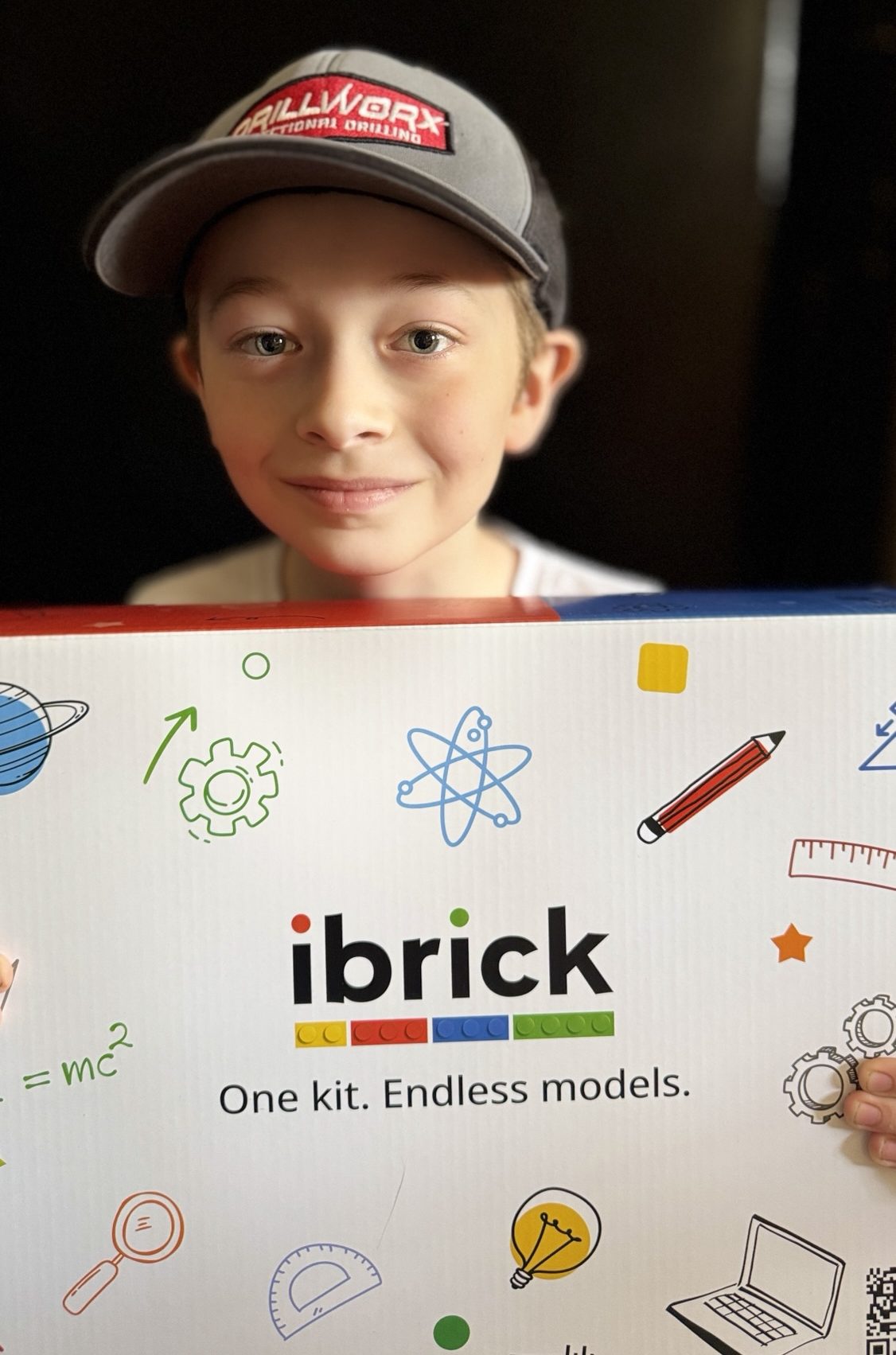
What is ibrick?
ibrick is a hands on STEM program that enables your child to learn while playing! Timberdoodle supplied my son with a complimentary copy of the ibrick kit for ages 9-12, this included the blocks and the subscription to the lessons.
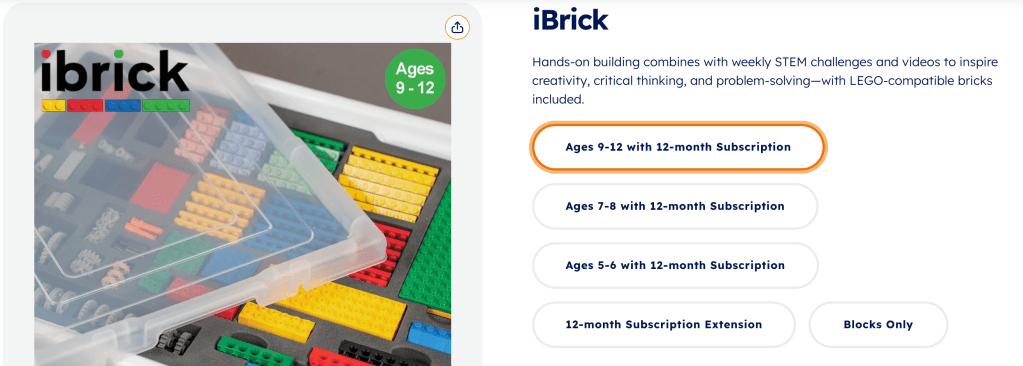
There are three age groups available (5-6, 7-8, and 9-12), each includes a 12 month subscription. The subscription provides your child with a new lesson each week and the lesson will continue to be available throughout the duration of your subscription. This allows your child to go back and re-create a previous build or fit lessons into your schedule without worrying about losing access to previous weeks. So if you have children with multiple ages, you will need multiple subscriptions as each is tailored to the specific age range. Now they could share blocks but it could get tricky depending on how you mange the building time and if they keep their builds for any period of time.
I know that I sometimes overthink and worry about putting my child in the wrong age group, especially if it’s a new program. Thankfully ibrick understands this and with a simple email your child’s level can be changed. This takes a lot of pressure and uncertainty away making the program an easy choice as a parent.
Getting Started
After getting the email to set up the account for Eli, he was eager to get started. The only problem was we didn’t have our kit yet, it was still a day or two away from arriving. However, we took that time to familiarize ourselves with the website and started the introduction videos. While I’m present when my son is using the computer I do like him to know how to independently navigate certain education sites. The ibrick site is very easy to use and he was able to locate the lessons he wanted to view.
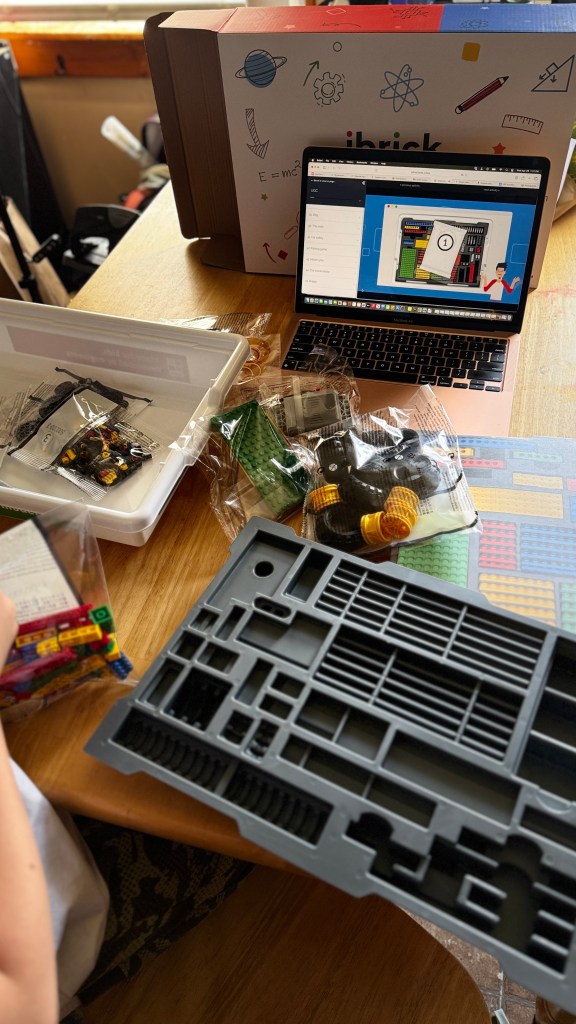
In my opinion watching the introduction video ahead of time was a really good idea. As I mentioned before my son was EAGER to receive the kit and get started. I knew his attention wouldn’t be as focused if he had the kit in front of him. The introduction video explained how to organize the pieces in the tray and how to navigate the lessons. So once the kit arrives the pieces need to be organized into the case. Just be aware that some pieces are small so be careful when opening the bags and dumping them out. You don’t just get bricks to build with but also a motor (you will need your own batteries so be sure to have 6 double A batteries on hand so your child is not disappointed) to make moving creations. Along with some other items like string, rubber bands, and a marble for other builds.
Building, Creating, Learning
Once Eli put all the pieces in the storage container, he was so eager to build. There are a couple of ways to access the directions for building, there are flat directions similar to the paper LEGO booklets or 3D models directions that can be rotated. Eli tried both and for him he preferred the flat book type directions. He wanted to use the 3D directions but we do not have a mouse for the laptop he was using and the trackpad was difficult for him in this particular instance.

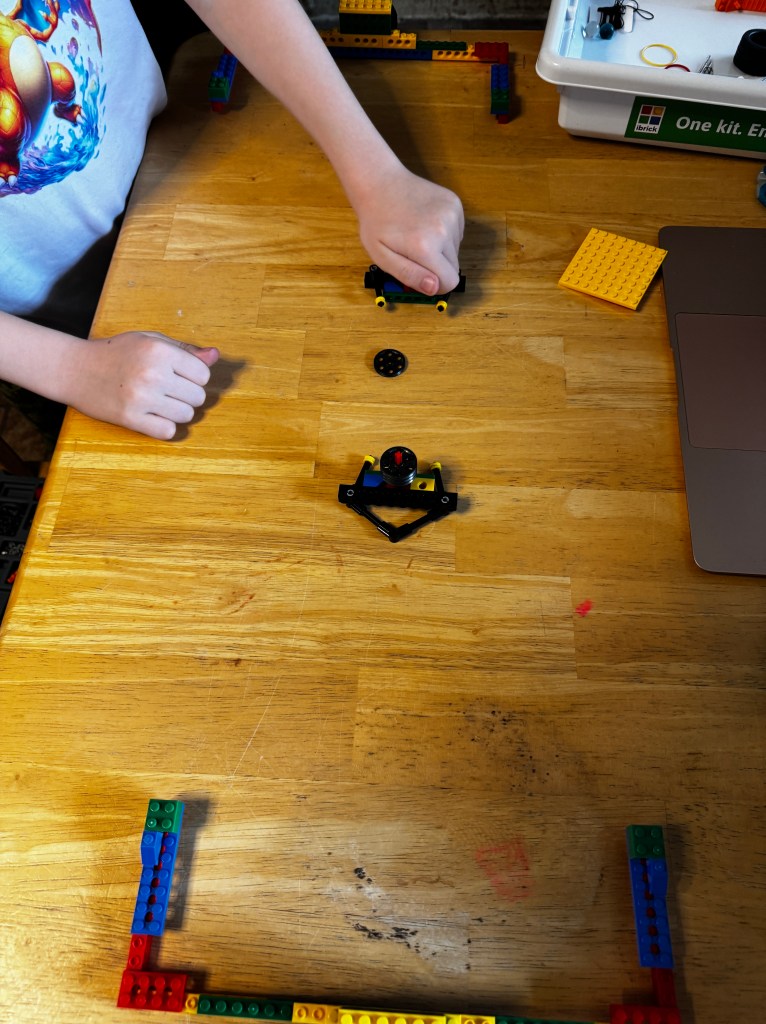
For our review Eli built a hockey mechanism, it was a table hockey set up. As I mentioned Eli did try the 3D instructions but without a mouse for our laptop, he settled on the book like instructions. This didn’t make the build any more challenging or less informative, it mirrored the way he had been building anyways. Since he is very familiar with LEGO’s and building I was very much hands off during this process.
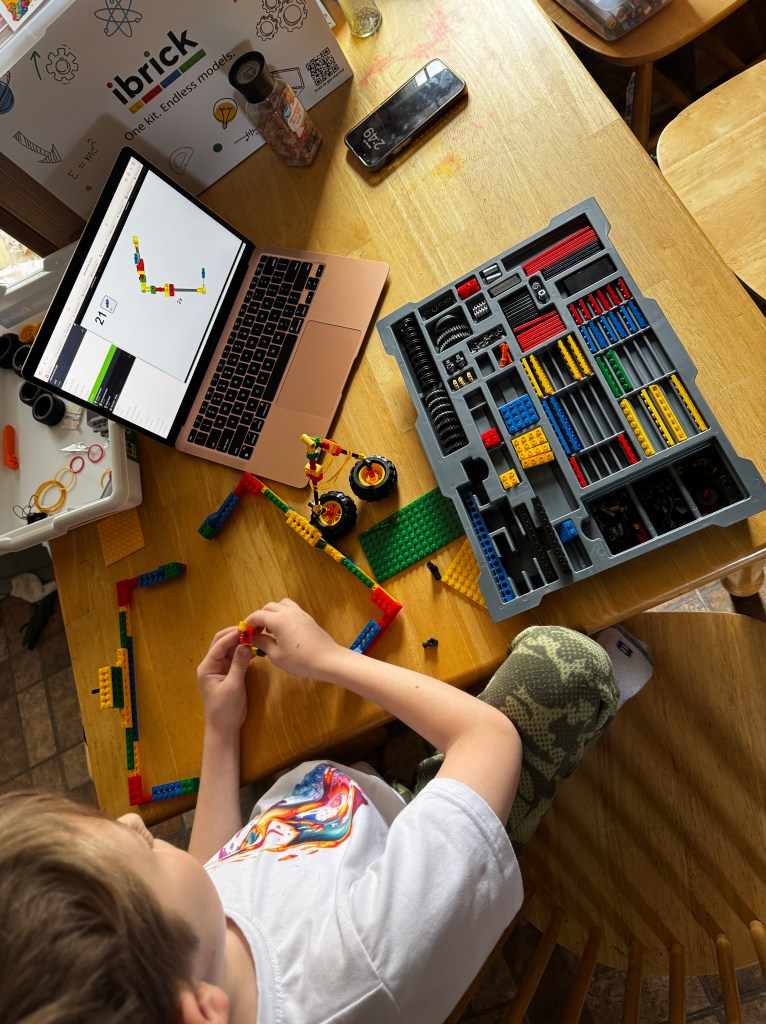
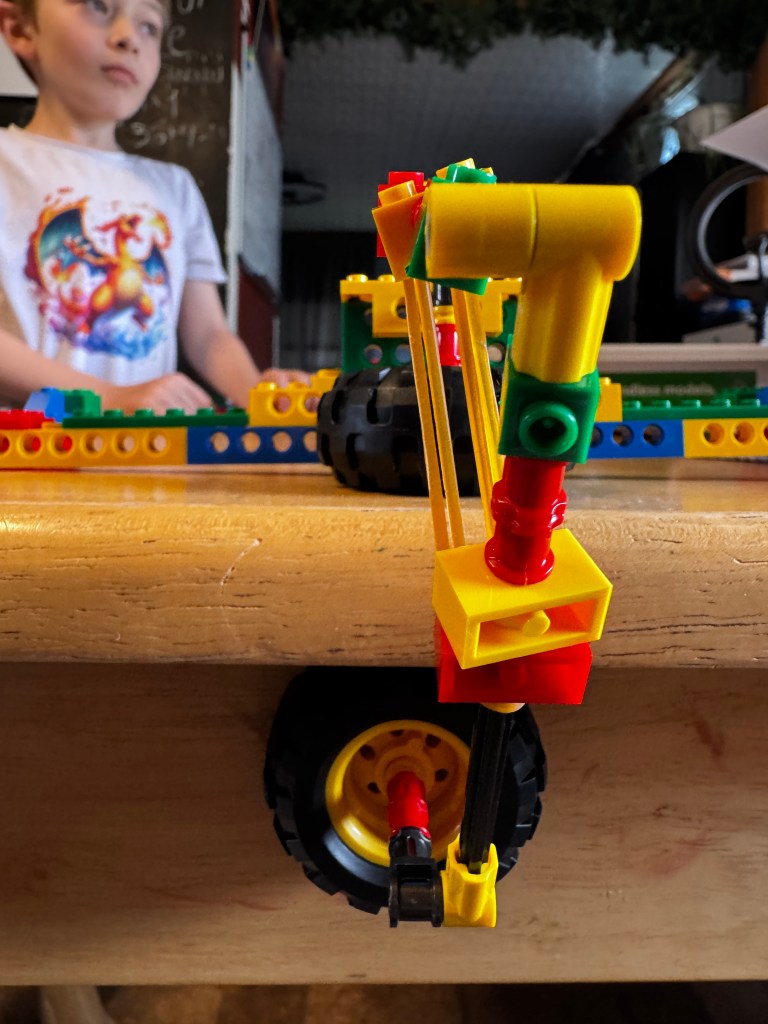
I don’t think there is a fair estimation on how long a build will take, I think that really depends on your child and their level of experience with building and following directions. This particular build took Eli between 30-40 minutes and part of that was because of our own technical difficulties with the trackpad and the 3D directions. The trickiest part of this build was the goal attachment to our table, I think our table is just oddly shaped on the edge. It was fun after the build to then play with the creation. It reminded Eli of air hockey but without the air to lift the puck off the table but the concept was similar.
Each build also contains a video lesson that goes into some information and science or math behind the build. It can even extend the learning by encouraging your child to try something new with the build.
Our Thoughts
Eli was so excited to receive this kit, he was asking often where it was in the shipping process. Once we set up the account and he was able to see some of the builds the excitement grew! After our initial review build Eli was able to peruse the lesson page and quickly chose a new build. He really wanted to make the T-Rex because it MOVED! So one thing I didn’t think of before getting the kit was the need for batteries but thankfully we had some on hand. The setting up the account and navigating the site is very simple. The instructions are clear and the added video lesson is a great way to encourage further learning and thinking. You can also give feedback on the build right on the lesson page.
This kit is a great way to encourage your child to build different things in an engineering sense. For example, there is a crane that they can build and Eli worked hard to make it stronger so it could hold more weight. It is a new way to look at the boxes of LEGO’s you might have around the house and use them to make some really cool creations that go beyond the typical build. The availability and addition of lessons weekly makes the subscription a great deal. Don’t forget that the LEGO’s you already have are compatible with the ones in the kit, so the possibilities for build are as big as your child’s imagination!
I love having an at home option for LEGO STEM building. It not only challenges my son but also introduces him to a new experiences and technology. You can purchase ibrick on its own or as part of the 4th grade kit from Timberdoodle.
Disclosure: We received a complimentary copy of ibrick from Timberdoodle in exchange for our honest review. All thoughts and options are 100% my own.

